









































 Language

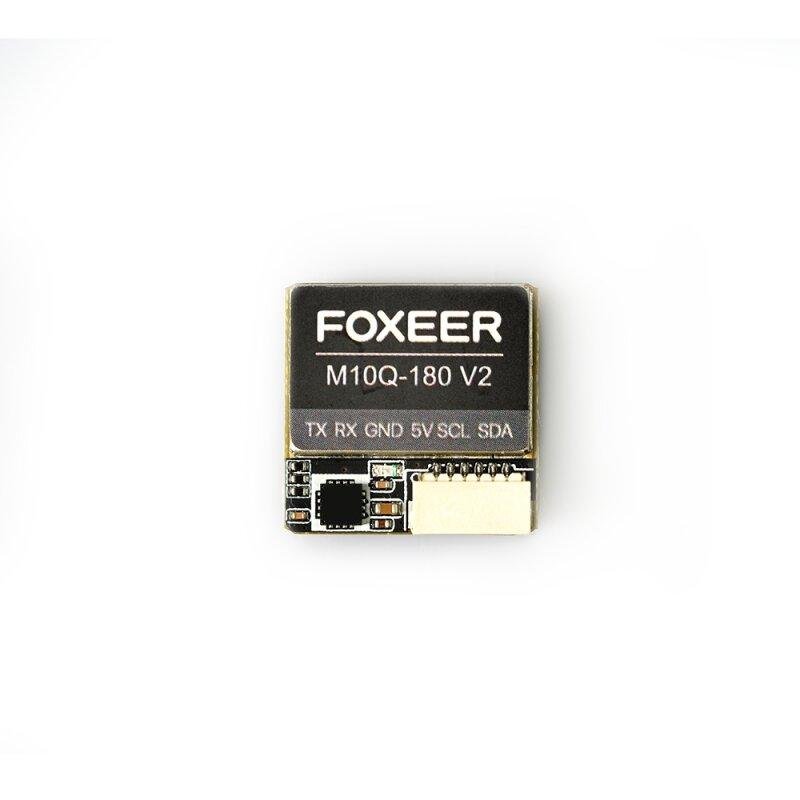
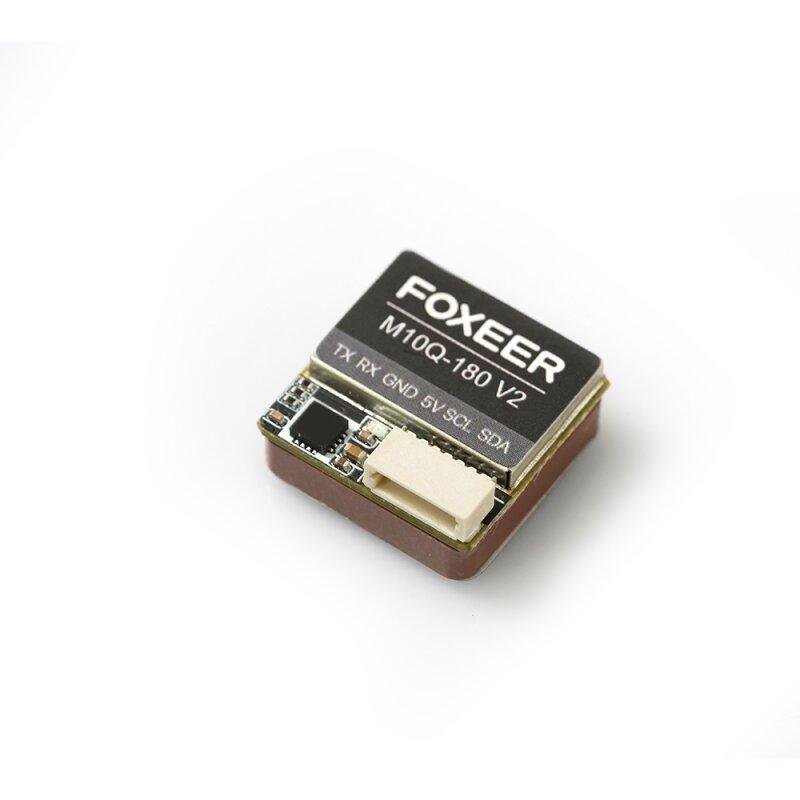
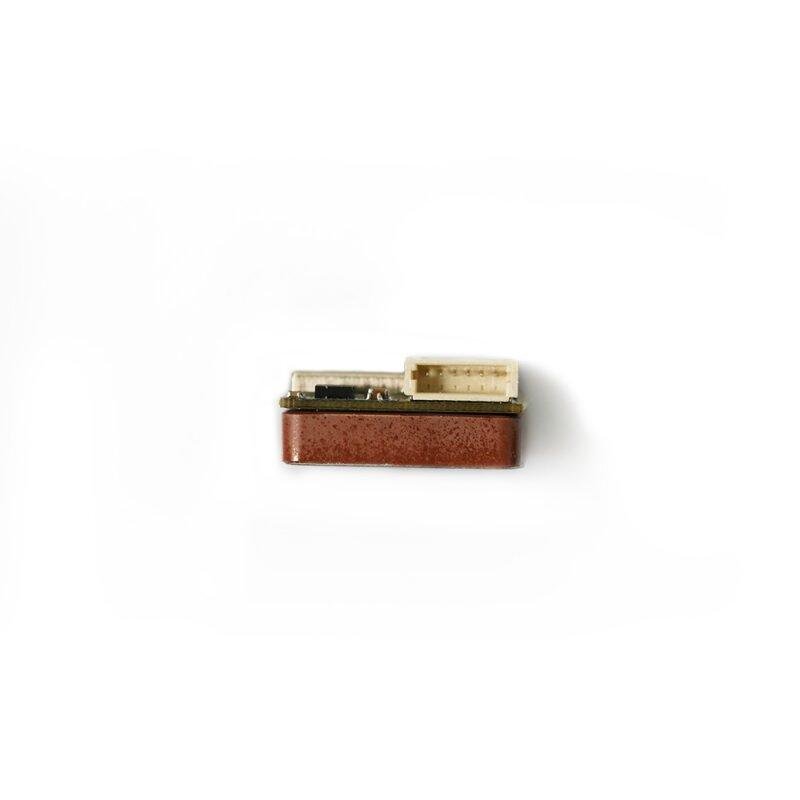
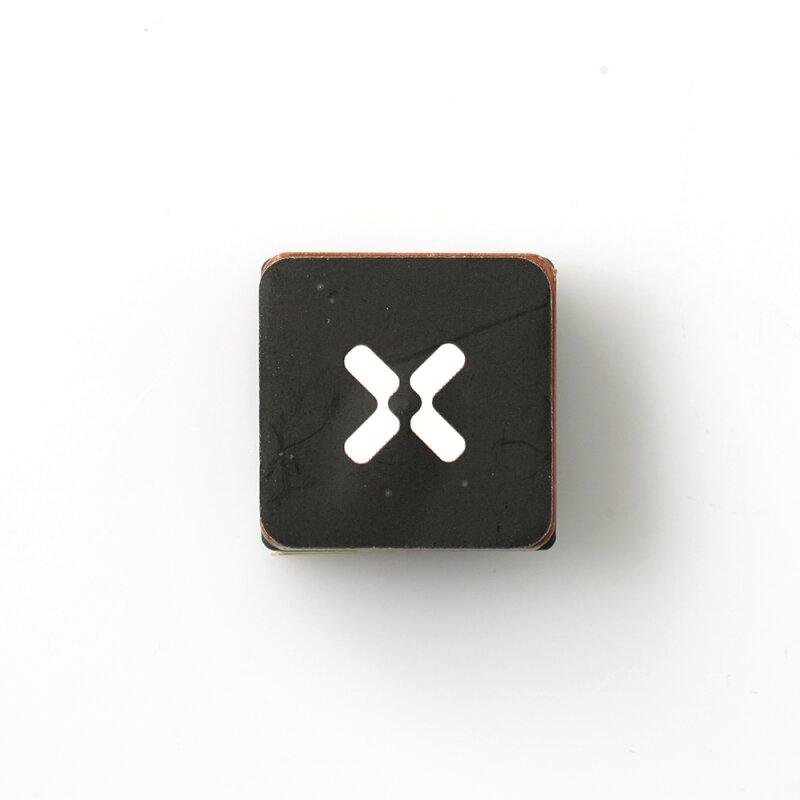
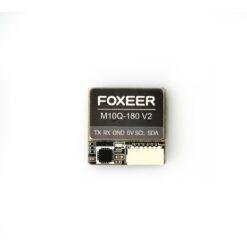
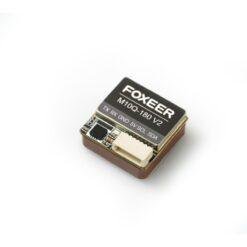

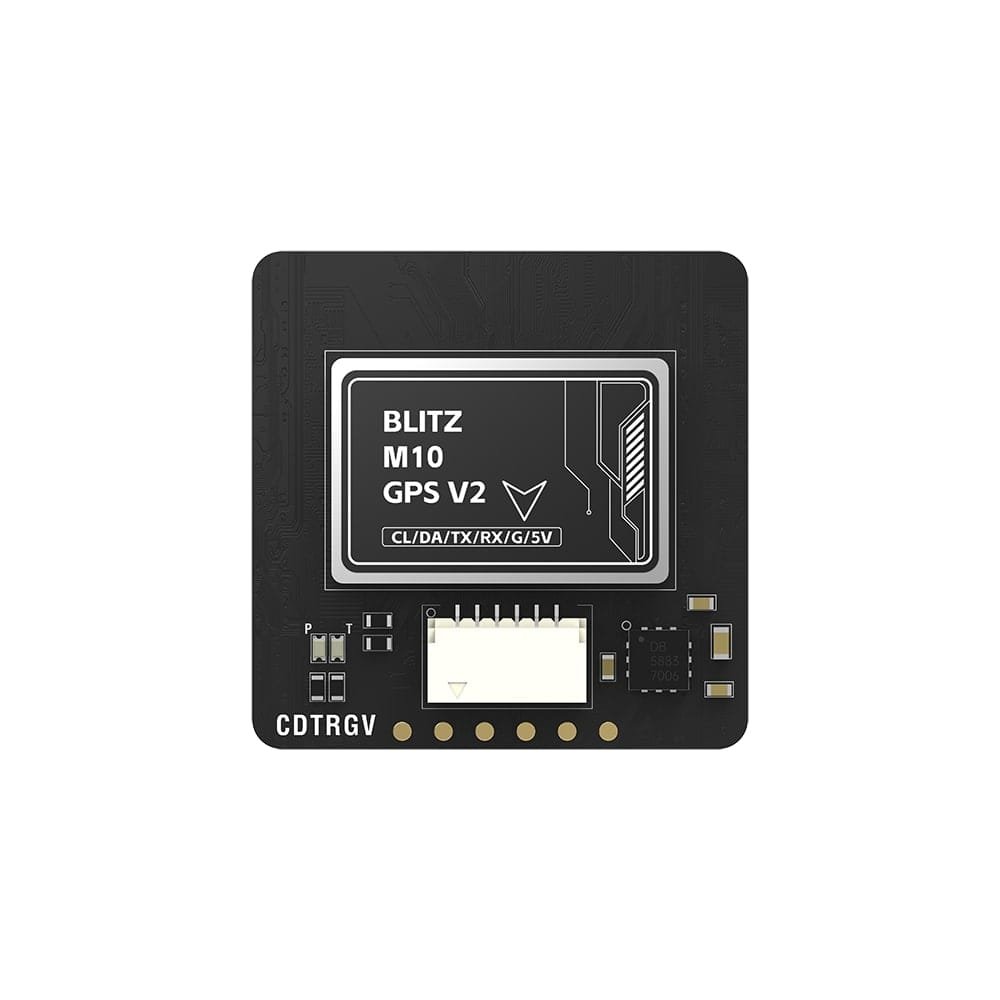
Foxeer M10Q 180 V2 GPS module
€23,99
FOXEER M10Q-180 V2 is a compact and accurate GPS module with integrated compass for drones. It supports GPS, GLONASS and BeiDou (BDS) satellite systems and ensures fast and accurate positioning.
 1 – 2 days
In stock
Foxeer M10Q 180 V2 is an advanced GPS module designed for FPV drones that require accurate and stable positioning. The module uses the M10 GPS chip, supports GPS, GLONASS, BDS, GALILEO, SBAS and QZSS systems, and has a built-in IST8310 compass. 72 channel support and high receiver sensitivity ensure fast satellite acquisition and reliable operation. The compact size of 18 x 18 x 8 mm and the weight of only 7.5 g allow for easy integration of the module into various FPV drones. Foxeer M10Q 180 V2 supports NMEA and UBLOX protocols, 10 Hz update rate, and is an excellent choice for pilots looking for an accurate and reliable GPS solution.
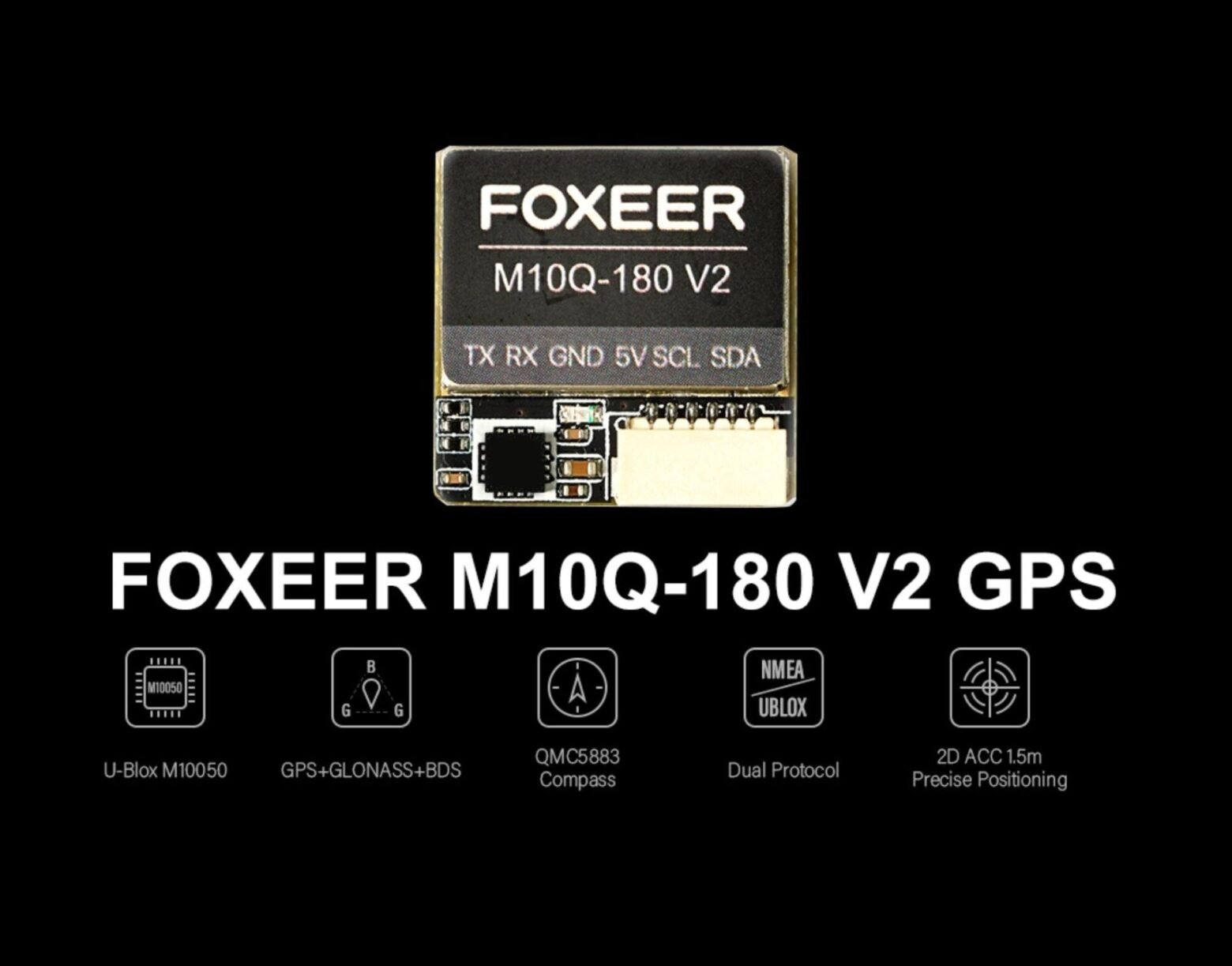
Foxeer M10Q-180 V2 GPS - with U-Blox M10050 chip, GPS/GLONASS/BeiDou support, integrated QMC5883 compass and up to 1.5 m 2D positioning accuracy.
Specification:
• Chip: M10;
• Supported GNSS systems: GPS L1, GLONASS L1, BeiDou B1, Galileo, SBAS L1, QZSS L1;
• Supply voltage: 5 V;
• Antenna: Ceramic antenna;
• Number of channels: 72;
• Battery: Integrated;
• Compass: IST8310;
• Compass orientation: Connector facing the direction of flight, antenna facing up;
• Data transfer rate: 115200 bps;
• Supported protocols: NMEA / UBLOX;
• Data update frequency: 1-10 Hz;
• Speed measurement accuracy: 0.05 m/s;
• Horizontal positioning accuracy: 1.5 m;
• Receiver sensitivity: Tracking – 166 dBm, Locking – 160 dBm;
• Dynamic characteristics: Altitude up to 50,000 m, speed up to 500 m/s, acceleration up to 4 G;
• Operating temperature: from -40 °C to +85 °C;
• Storage temperature: from -40 °C to +105 °C;
• Weight: 7.5 g;
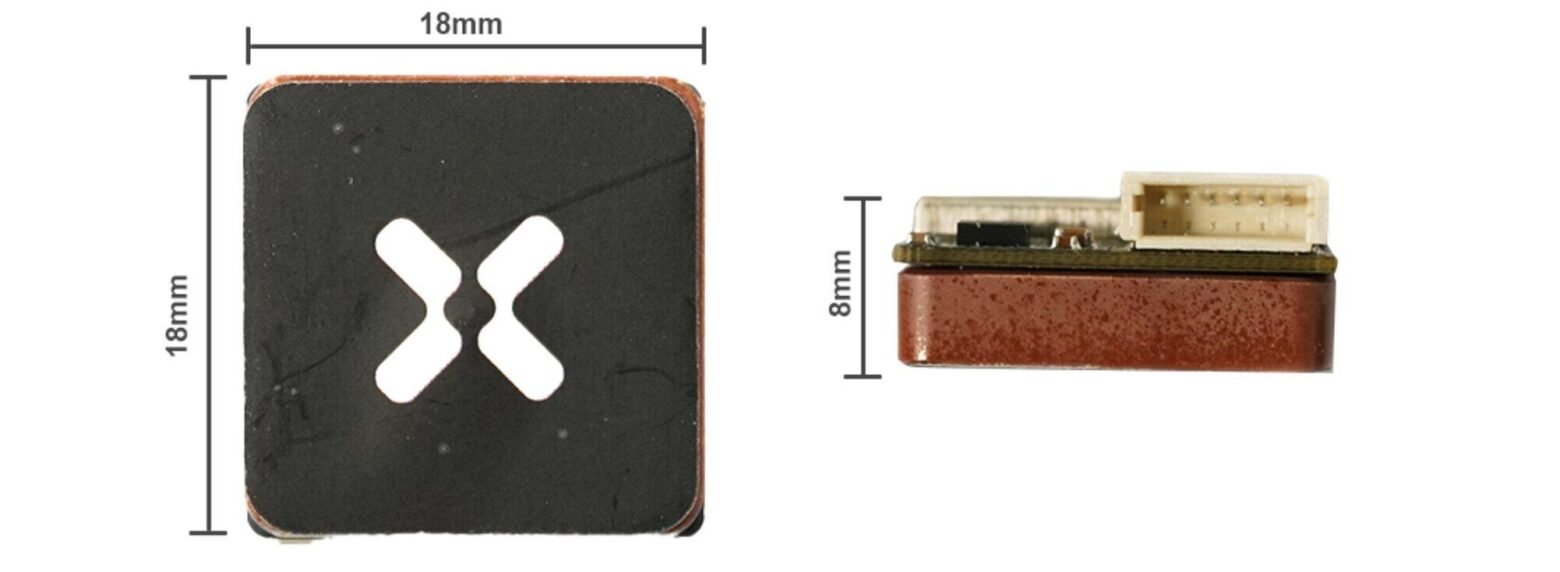
• Dimensions: 18 x 18 x 8 mm.
Measurements:

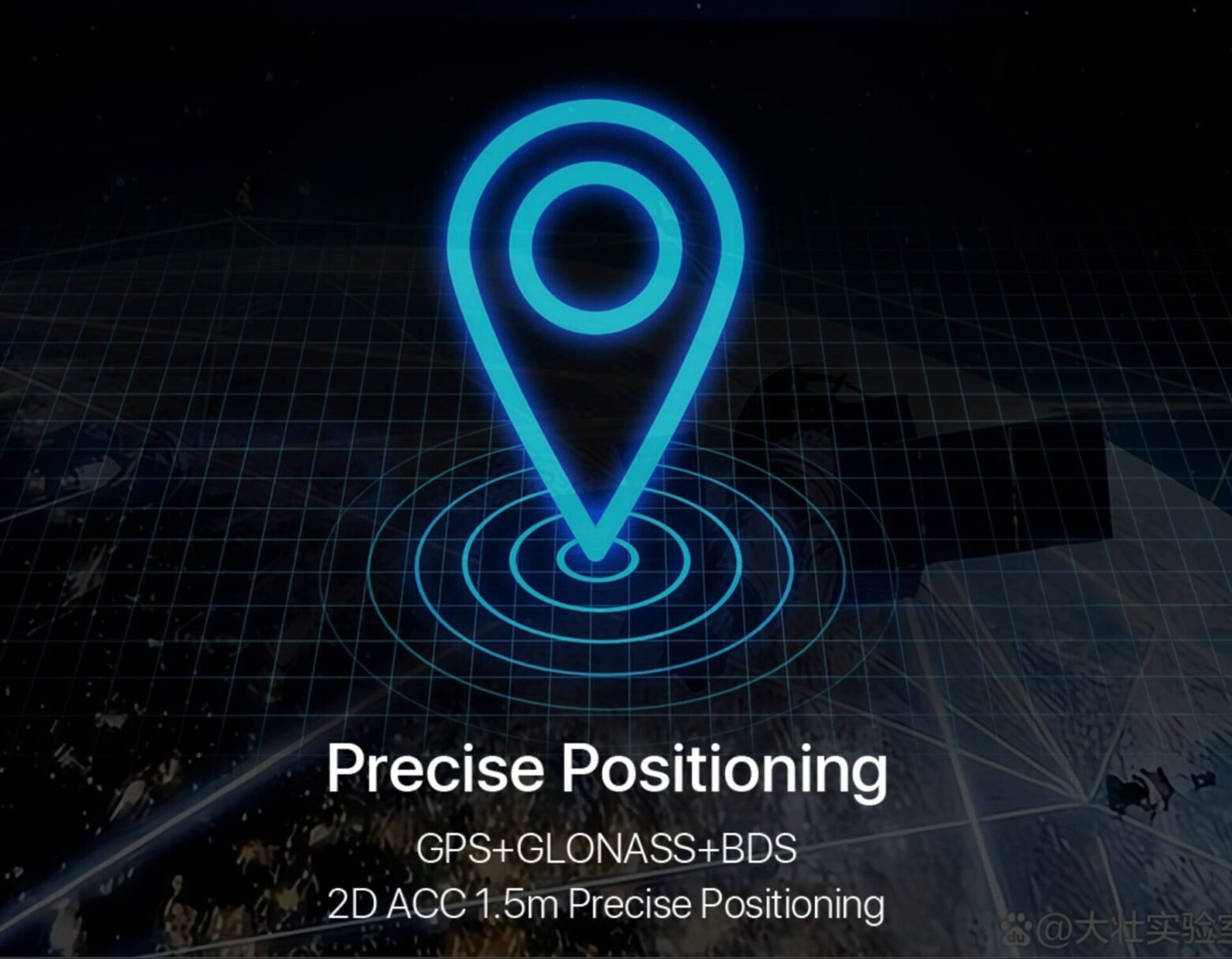
Quick positioning.
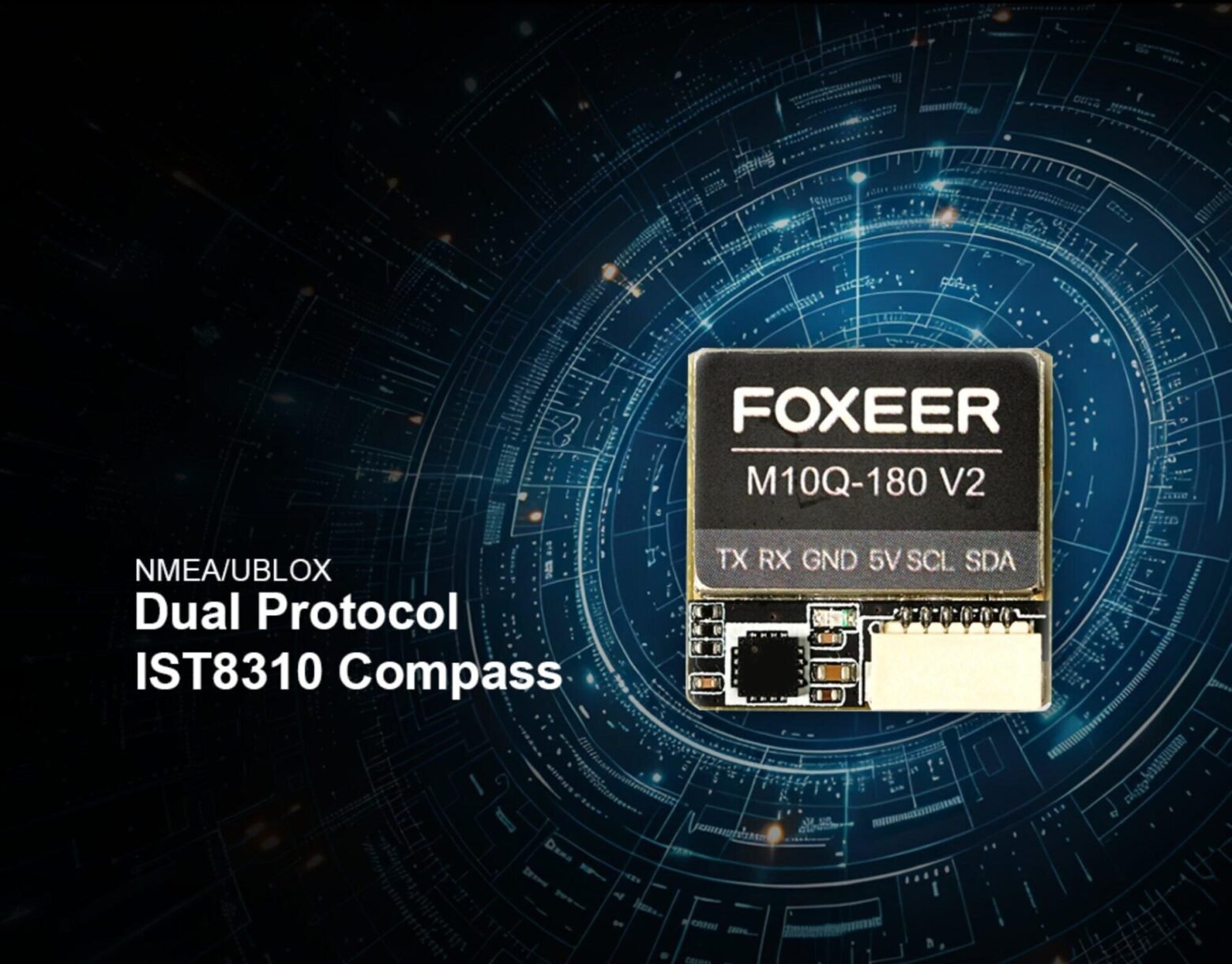
Supports NMEA and UBLOX protocols, has a 210 L7G GPS antenna and an integrated IST8310 compass for precise orientation.
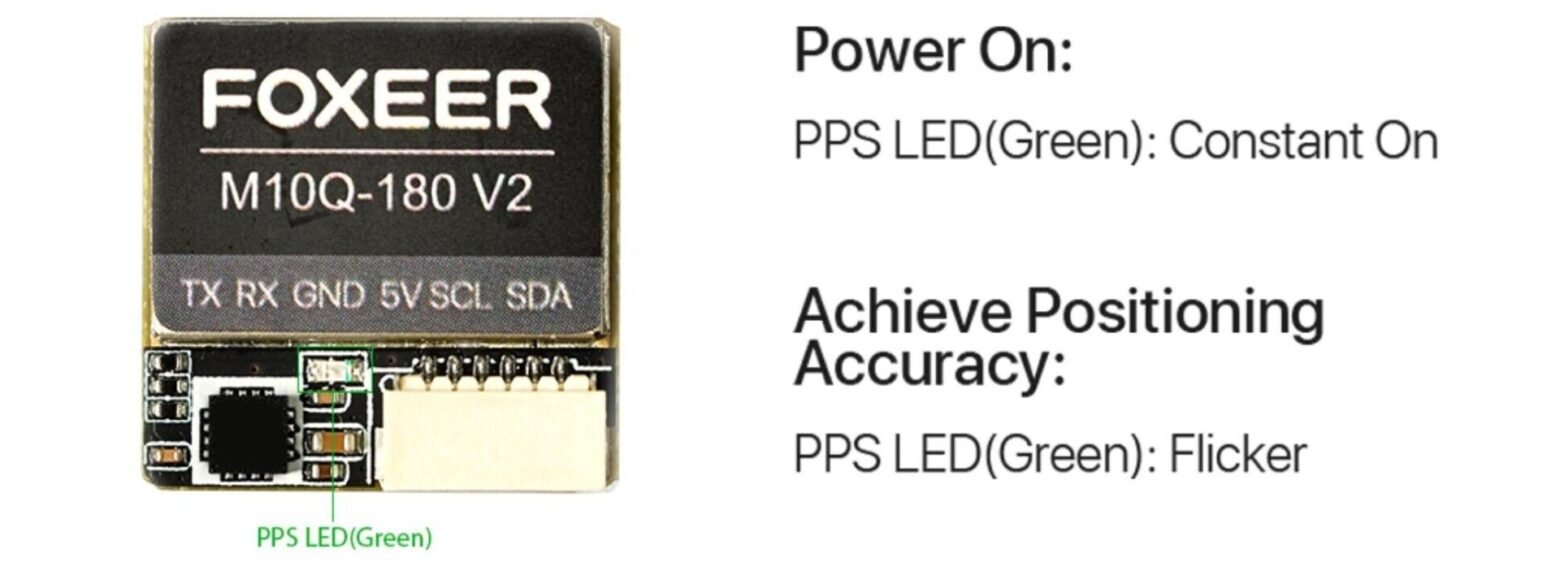
• When power is turned on:
PPS LED (green): constantly lit.
• When accurate positioning status is reached:
PPS LED (green): flashing.
Package:
1x Foxeer M10Q 180 V2 GPS module.
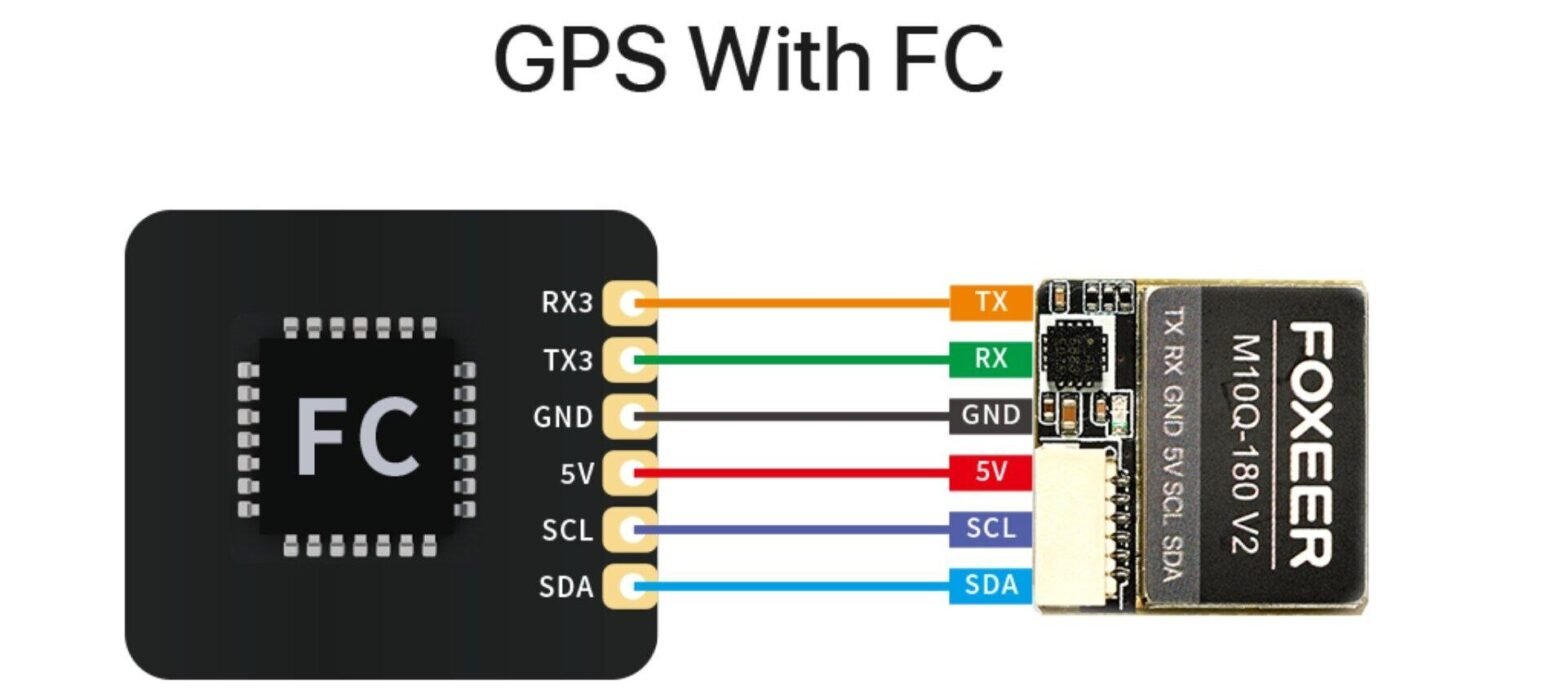
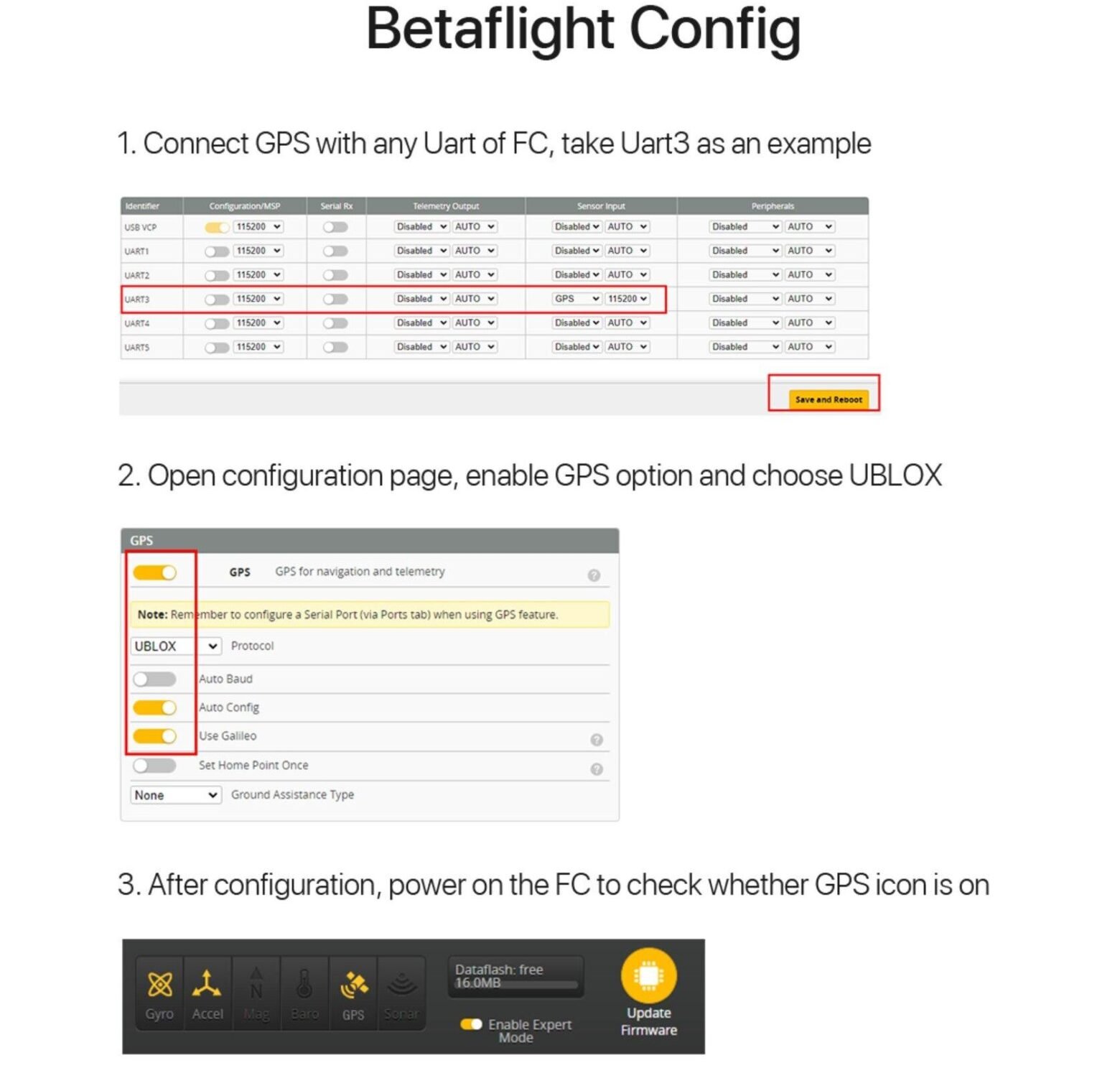
1. Connect the GPS module to any UART port of the flight controller (FC) (e.g. UART3);
2. Open the configuration page, enable the GPS function and select the UBLOX protocol;
3. After saving the settings, turn on the flight controller and check if the GPS icon is displayed.
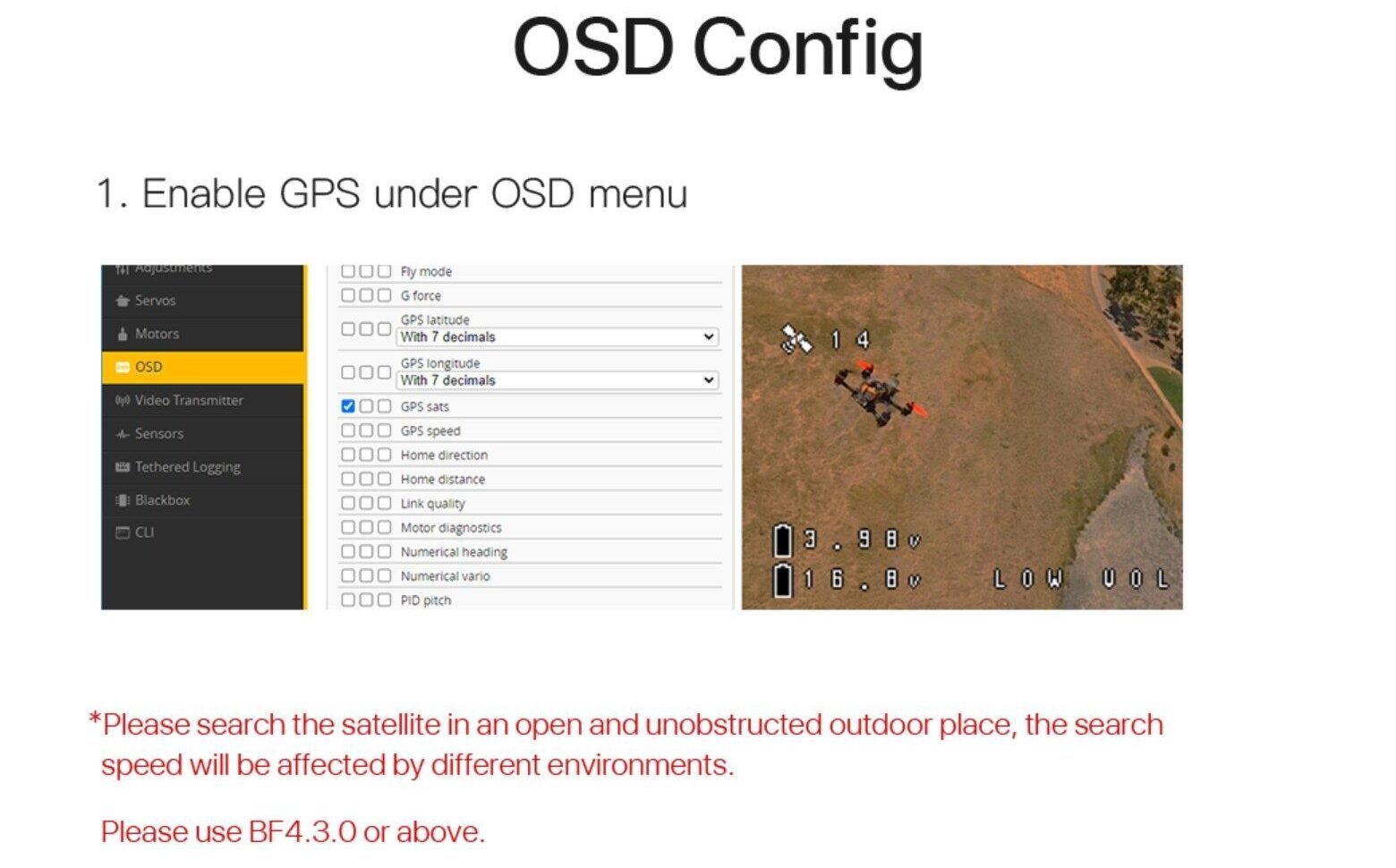
1. Turn on GPS display in the OSD menu.
Note:
*Please perform the satellite search in an open area without obstacles. The satellite search speed may vary depending on environmental conditions.
It is recommended to use Betaflight (BF) 4.3.0 or later.
Only logged in customers who have purchased this product may leave a review.
Related products
€21,99
This product has multiple variants. The options may be chosen on the product page 
Cinewhoop
€323,99
This product has multiple variants. The options may be chosen on the product page New
€779,99
This product has multiple variants. The options may be chosen on the product page 
Price range: €24.99 through €37.99
This product has multiple variants. The options may be chosen on the product page New
Price range: €20.99 through €22.99
This product has multiple variants. The options may be chosen on the product page 
New
 Aircraft
 Control equipment
 FPV equipment
 Electronics
 Frames
 Propellers
 Batteries and chargers
 Tools and accessories
 Gift vouchers
Reviews
There are no reviews yet.